

 English















































Best Free Invoicing Software for Freelancers in 2026 (No Watermarks)

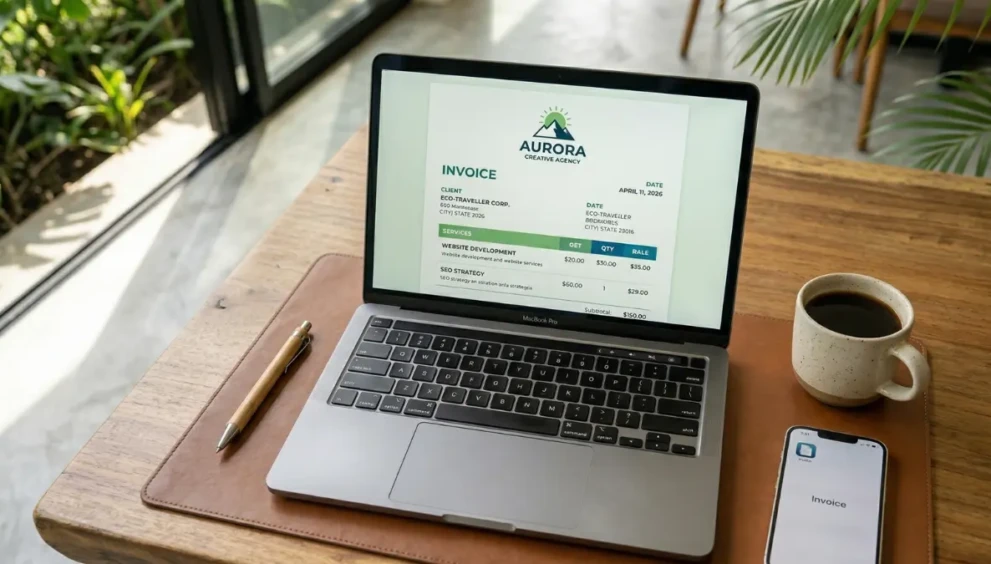
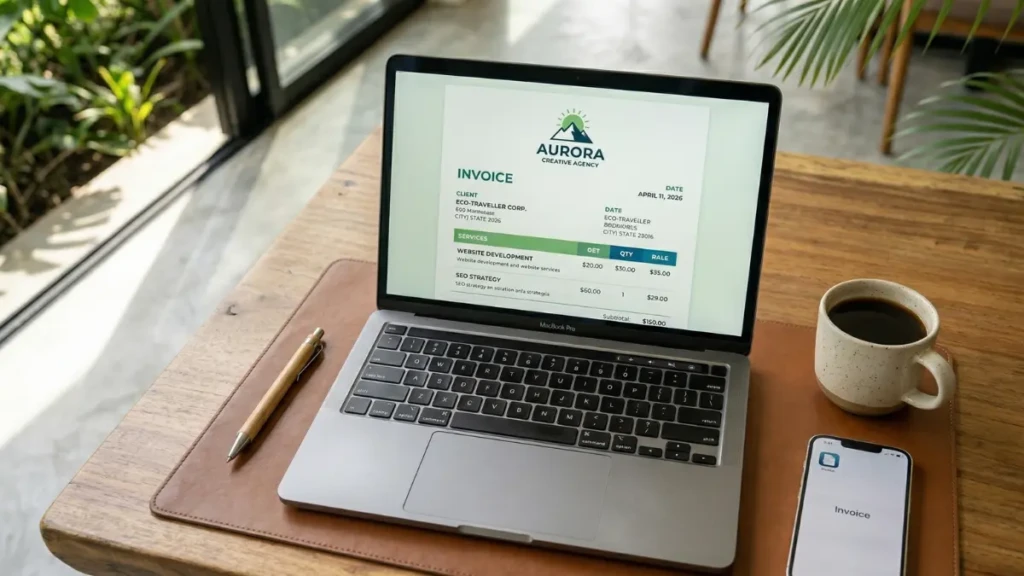
Whether you are billing a client ₹24,999 for a premium Reels Growth package or securing a monthly retainer for Meta Ads management, sending an invoice with a giant “Created with Free Software” watermark at the bottom immediately undercuts your credibility.
You are charging professional rates; your billing system needs to look the part.
The problem for gig-economy workers and scaling agencies is that most “free” invoicing tools hold your brand hostage. They lock custom logo uploads behind paywalls, limit you to three clients, or plaster their own branding across your PDFs. But in 2026, you do not need to pay $30 a month to giants like QuickBooks just to send a clean, unbranded bill.
If you are running an agency like DigitalJao, or simply managing ad revenue from multi-niche websites alongside your client retainers, you need a system that can handle diverse income streams without eating into your profit margins.
Here is our curated, verified list of the best genuinely free invoicing software for freelancers that keep your branding front and center.
Table of Contents
- Interactive Tool: Find Your Perfect Invoice Software
- Zoho Invoice (The 100% Free Powerhouse)
- Wave Invoicing (The Bookkeeping Bridge)
- Square Invoices (The Fast-Payment Ecosystem)
- The Contrast: Why Are People Still Paying for QuickBooks?
- Expert Insight: The Processing Fee Reality
- Frequently Asked Questions (FAQ)
Interactive Tool: Find Your Perfect Invoice Software
Not sure which platform fits your workflow? Use our interactive 2026 diagnostic tool below to find the perfect match based on your specific freelance needs.
Did this visual help you understand the answer better? Yes No
1. Zoho Invoice (The 100% Free Powerhouse) In the world of SaaS, “completely free” usually means there is a catch. Zoho Invoice is the rare exception. In 2021, Zoho made their standalone invoicing product 100% free forever, and as of 2026, it remains the gold standard.
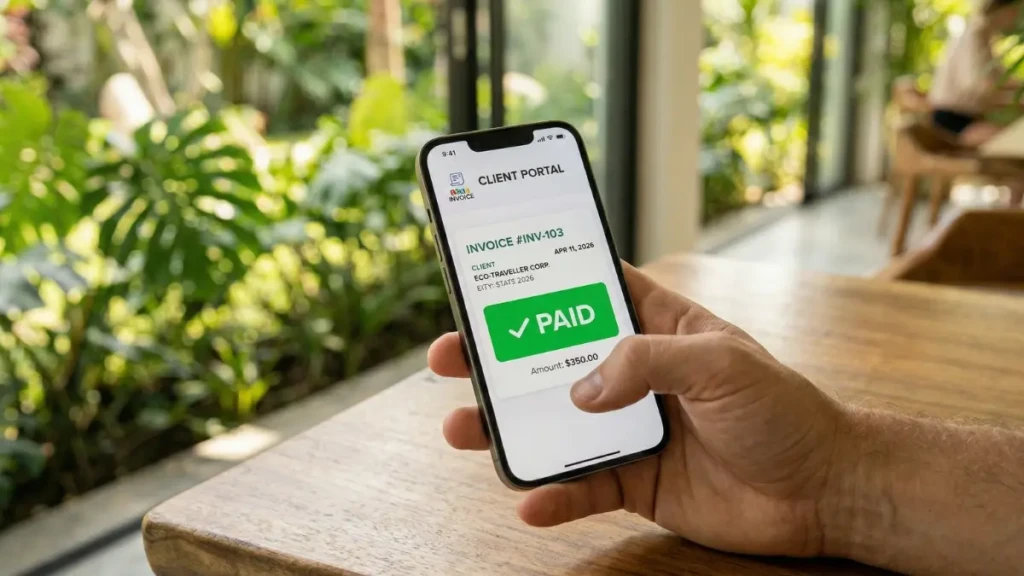
- The Vibe: It is highly professional, incredibly feature-dense, and entirely ad-free.
- Why it Wins: It offers features that other companies charge $20/month for, including automated payment reminders, a secure client portal (where clients can log in to see all past and present bills), time-tracking, and expense logging.
- The Catch? There really isn’t one. Zoho uses this free product as a “loss leader” to get you into their ecosystem, hoping you will eventually buy their CRM or premium accounting software (Zoho Books) as your business grows.
2. Wave Invoicing (The Bookkeeping Bridge) If you need your invoicing deeply integrated with a rock-solid, double-entry accounting system, Wave is your best option.
- The Vibe: Minimalist, intuitive, and built specifically for service-based businesses with under 10 employees.
- Why it Wins: Wave allows you to send unlimited, fully customized, unbranded invoices. But its real power lies in the backend. When a client pays a Wave invoice, the payment is automatically categorized in Wave’s free accounting dashboard, making tax season practically frictionless.
- The Catch? While the invoicing and accounting software are entirely free, Wave recently paywalled their automatic bank transaction imports (which now require a “Pro” plan). However, you can still manually upload your bank statements for free.
3. Square Invoices (The Fast-Payment Ecosystem) You might know Square for their white credit card readers at your local coffee shop, but their digital invoicing suite is an incredible tool for freelancers.
- The Vibe: Transactional, ultra-modern, and heavily optimized for mobile users.
- Why it Wins: You can send unlimited invoices, and the templates are beautifully clean with zero Square watermarks on the PDF. If you require clients to pay deposits or milestone payments, Square handles fractional billing better than anyone else on this list.
- The Catch? Square wants you to use their payment gateway. While you can send the invoice for free and ask the client to pay via bank transfer, the interface heavily pushes the client toward paying with a credit card directly through Square (where Square takes their standard ~2.9% + 30¢ processing fee).
The Contrast: Why Are People Still Paying for QuickBooks?
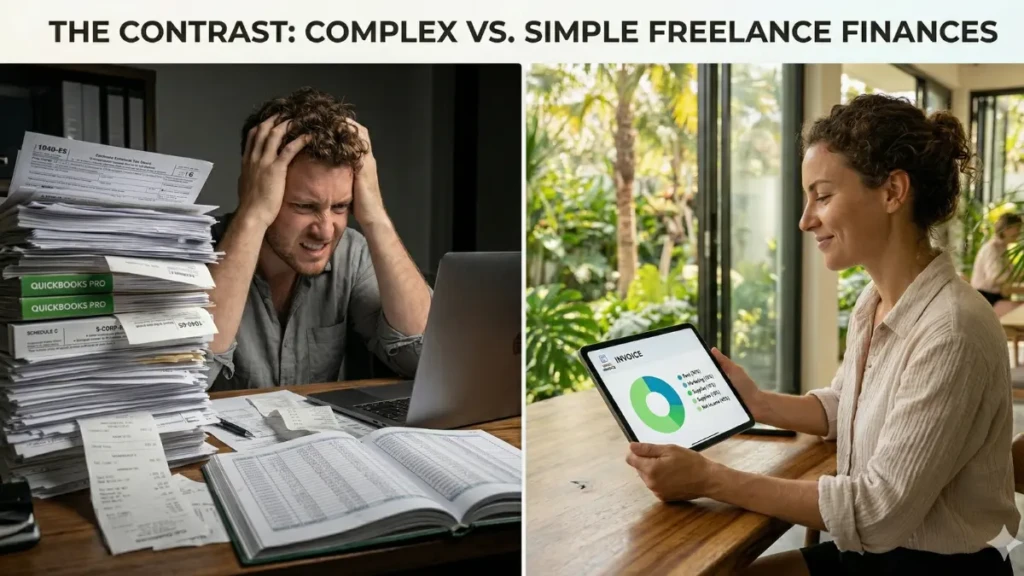
If Zoho and Wave are free, why are millions of freelancers paying $30 to $50 a month for QuickBooks Online?
The short answer is CPA preference and inventory management. Most tax accountants are trained exclusively on QuickBooks. If you hand them a Wave or Zoho file, they might charge you extra to map the data to their systems. Furthermore, if you sell physical products, track complex inventory across multiple warehouses, or have complex payroll needs, the free tools will break.
However, if you are an SEO specialist, a digital marketer, or a consultant selling your time and digital services, paying for QuickBooks is often a waste of capital.
Expert Insight: The Processing Fee Reality
We spoke with Marcus Thorne, a digital agency mentor and financial consultant, about the hidden costs of “free” invoicing.
“Freelancers get obsessed with finding a free software, but they ignore the processing fees. Whether you use Zoho, Wave, or Square, if your client pays that invoice using a credit card via the platform’s payment gateway, you are going to lose about 3% of your revenue. If you are billing a $10,000 SEO audit, that is $300 gone. Always use free software to generate the unbranded invoice, but include your direct bank details (ACH or wire) on the PDF to avoid those massive credit card processing fees on high-ticket retainers.”
Frequently Asked Questions (FAQ)
Can I use these tools if I am based outside the US?
Yes. Zoho, Wave, and Square all support multi-currency invoicing. You can easily bill a client in USD, EUR, or CAD while setting your base reporting currency to your local denomination (like INR).
Do free invoice generators save my client data?
Web-based “quick generators” (where you don’t create an account) usually save your data only in your browser cookies; if you clear your cache, you lose your invoice history. Account-based tools like Wave and Zoho securely save your entire client roster and itemized service lists in the cloud.
Is it legal to create an invoice on Word or Google Docs?
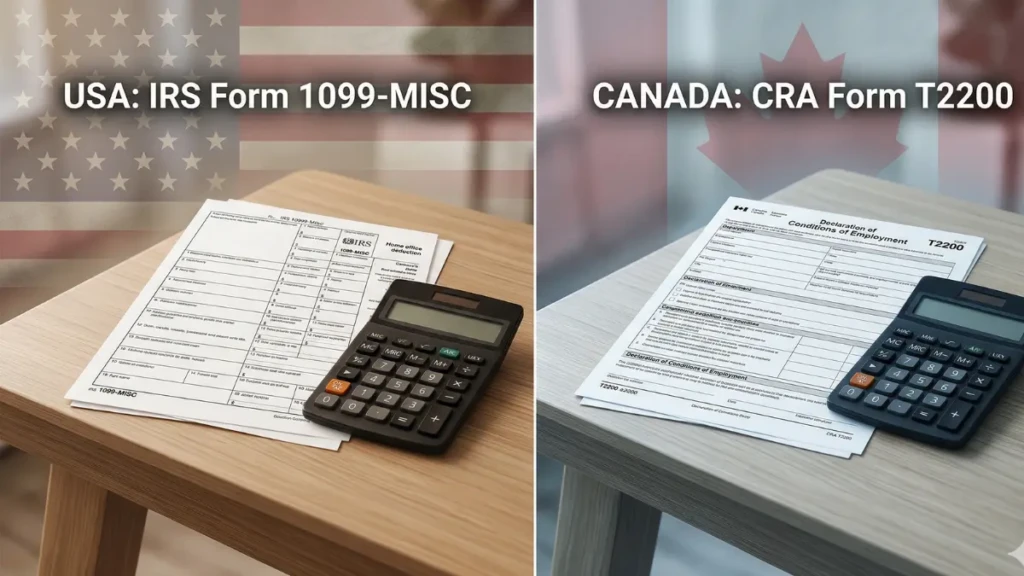
Absolutely. An invoice is simply a legal request for payment. As long as it contains the necessary information (your details, client details, date, invoice number, line items, and payment terms), a PDF exported from Google Docs is 100% legally binding. However, dedicated software tracks unpaid bills and sends automated reminders, saving you administrative headaches.
Ready to Bill Like a Pro?
Your invoice is the final touchpoint in your client experience. Don’t let a generic, watermarked template ruin the premium service you just delivered. By adopting tools like Zoho or Wave, you can protect your brand’s integrity, automate your follow-ups, and keep your monthly software expenses exactly where they should be: at zero.
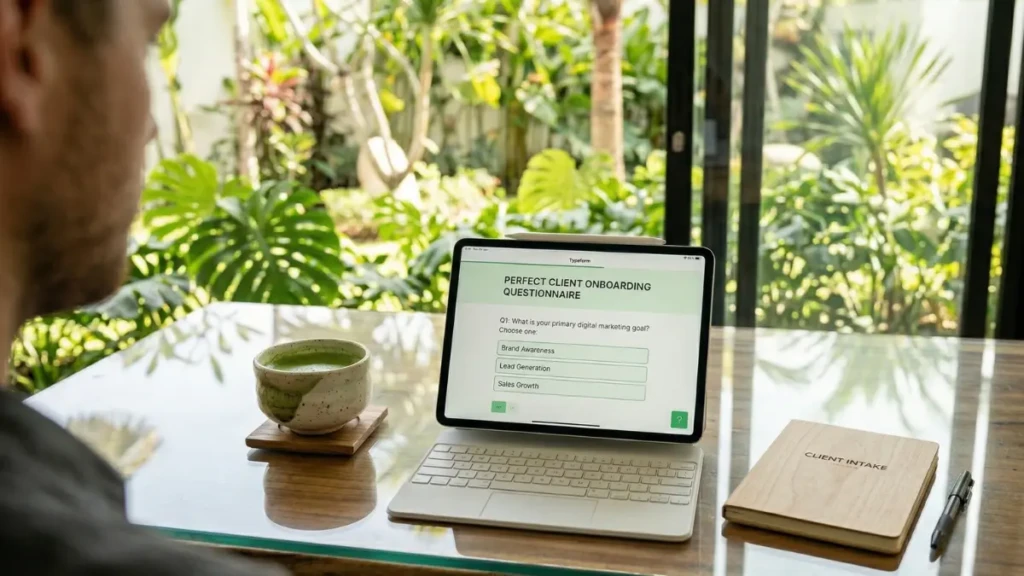
Looking to optimize your agency’s client onboarding? Read our guide on [The Perfect 3-Step Client Onboarding Questionnaire for Digital Marketers].
Related Post:
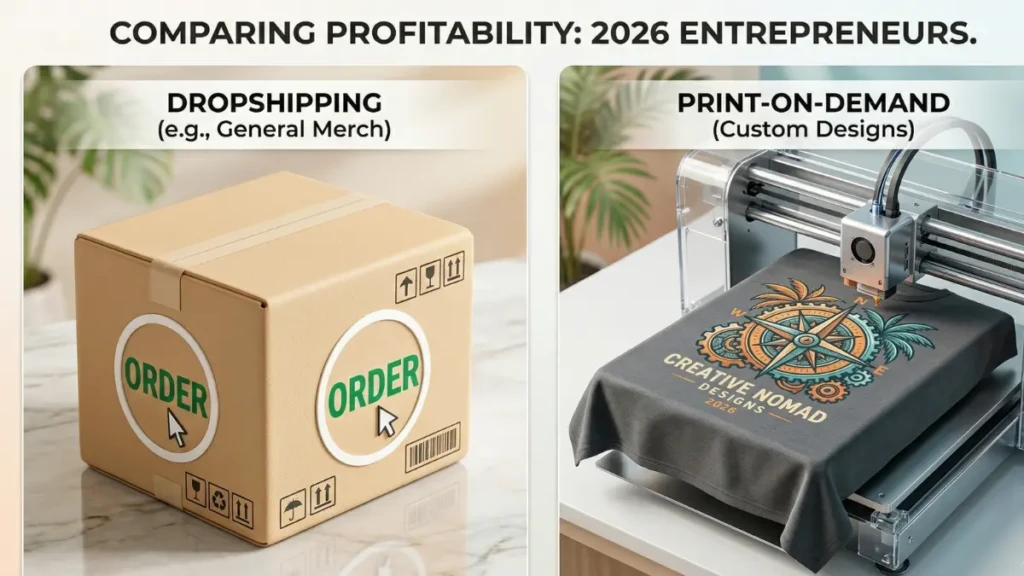
Dropshipping vs. Print-on-Demand: Which is Actually Profitable for Beginners?