

 English


























































How to Build a Custom AI Sales Chatbot to Pre-Qualify B2B Leads

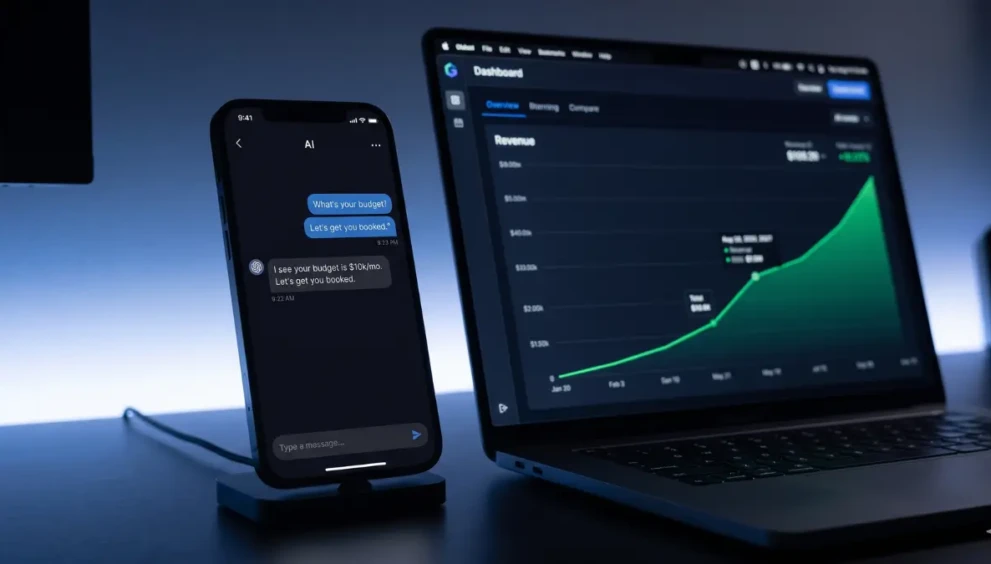
In the high-ticket B2B space, your calendar is your most valuable asset. If you or your sales team are getting on 45-minute discovery calls with US or Canadian prospects, only to discover in the final five minutes that they do not have the budget to afford your services, your pipeline is fundamentally broken.
Time spent talking to “tire-kickers” is time stolen from closing actual revenue.
In 2026, you can no longer rely on a static “Contact Us” form to filter your leads. You must deploy Conversational AI for B2B to act as your frontline Sales Development Representative (SDR). A properly engineered AI agent will engage site visitors in real-time, extract their budget and operational bottlenecks, and either book them directly onto your calendar or politely turn them away.
If you want to protect your calendar and scale your closing rate, here is the exact system to build custom AI sales chatbot workflows and automate your qualification process.
Table of Contents
- The Evolution: Decision Trees vs. Conversational AI
- Step 1: Defining Your BANT Parameters
- Step 2: AI Customer Service Chatbot Tutorial (The Prompt)
- Step 3: Seamless Lead Routing Automation
- Step 4: Website Chatbot Optimization
- Expert Insight: The “Graceful Exit”
- Frequently Asked Questions (FAQ)
1. The Evolution: Decision Trees vs. Conversational AI
Three years ago, chatbots were rigid. They asked a question, provided three buttons, and broke if the prospect typed a custom response. Today, modern platforms (like Voiceflow, Botpress, or custom OpenAI API builds) use Large Language Models (LLMs).
These models understand nuance, context, and typos. Instead of forcing a user through a rigid maze, modern Conversational AI for B2B acts like a human SDR. It can answer a prospect’s technical question about your software, and then smoothly pivot the conversation to ask about their monthly marketing budget.
2. Step 1: Defining Your BANT Parameters
Before you touch any software, you must define what makes a “Qualified Lead.” The industry standard for B2B sales is BANT:
- Budget: Can they afford your minimum retainer?
- Authority: Are they the decision-maker?
- Need: Does their pain point match your exact solution?
- Timeline: Are they looking to deploy this quarter, or next year?
Your goal is to program the AI to extract these four pieces of data naturally during the conversation.
3. Step 2: AI Customer Service Chatbot Tutorial (The Prompt)
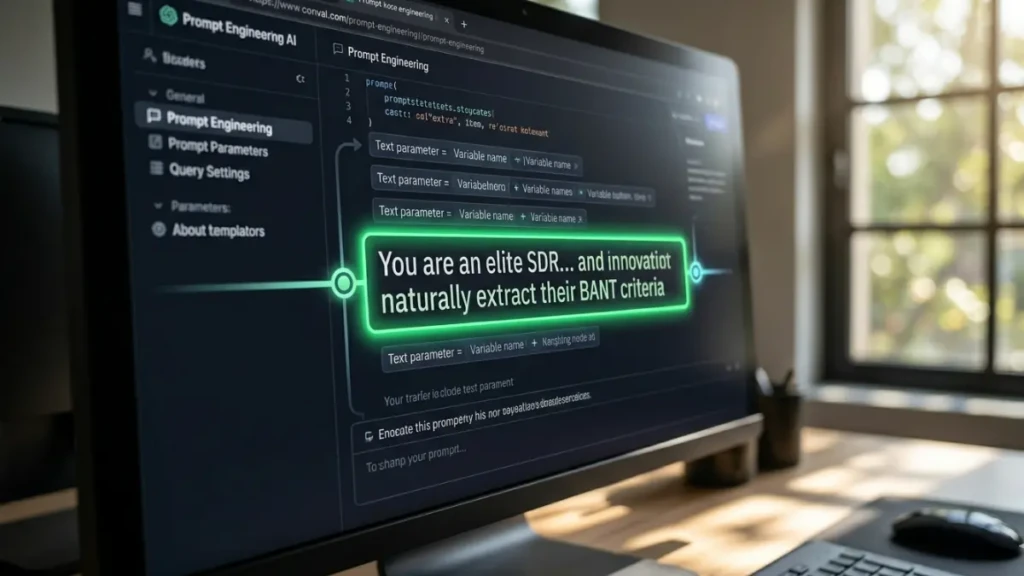
When you set up your AI platform (such as Botpress), you must give the core LLM a “System Prompt.” This is the brain of your chatbot.
To successfully automate lead qualification, use a prompt structure like this:
“You are an elite SDR for [Your Agency Name]. Your goal is to answer visitor questions and qualify them for a sales call. You must naturally extract their BANT criteria: Budget (Minimum $5k/mo), Authority, Need, and Timeline. Do not ask all questions at once. Weave them into the conversation. If a prospect reveals their budget is under $5,000, politely inform them that our services start at $5k and provide a link to our DIY digital course. If they meet all criteria, offer them this specific Calendly link to book a discovery call.”
By giving the AI a strict persona and distinct financial boundaries, you ensure it only escalates premium leads.
4. Step 3: Seamless Lead Routing Automation
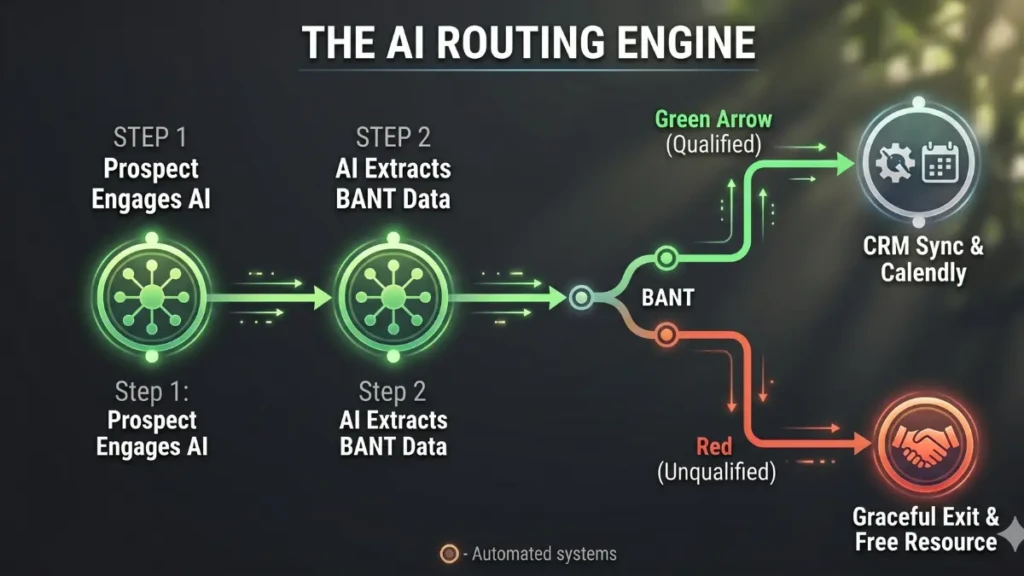
Extracting the data is only half the battle. You must push that data into your systems.
Lead routing automation is what separates a gimmick from a predictable revenue engine.
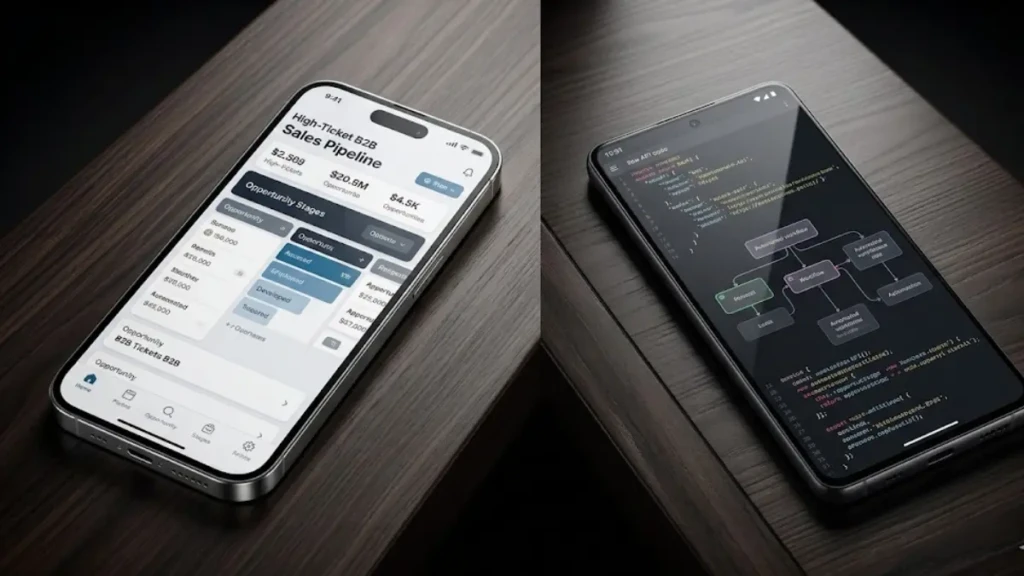
- Configure your chatbot platform to capture the BANT variables (saving the prospect’s answers into custom fields).
- Connect the chatbot to Zapier or Make.com.
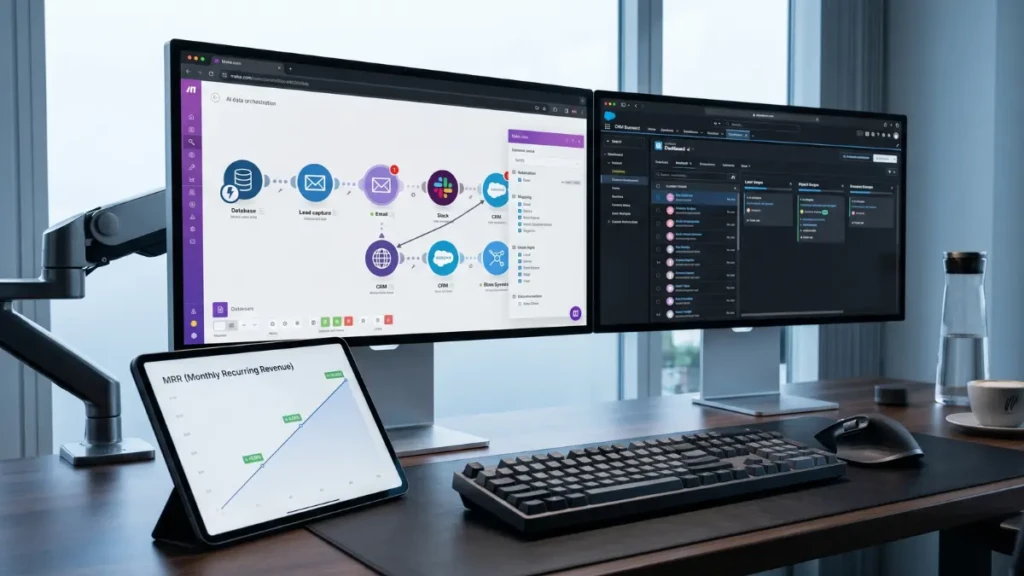
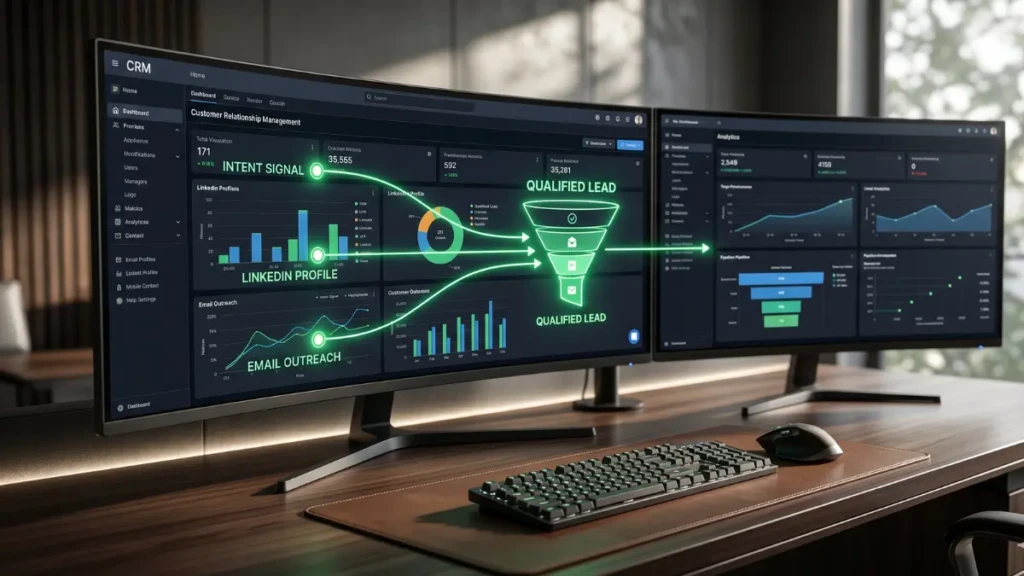
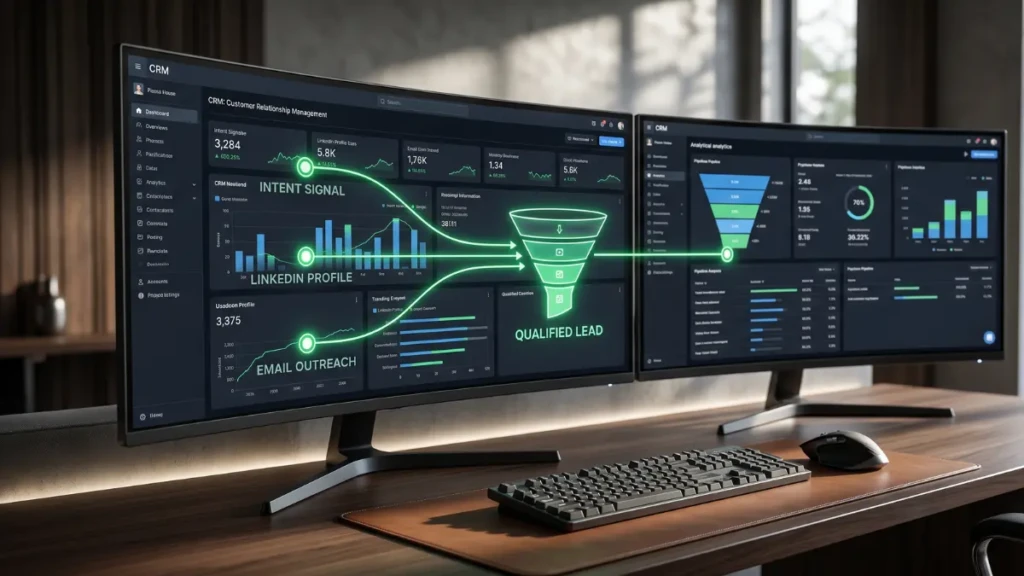
- The Workflow: When a conversation ends and the lead is marked “Qualified,” Zapier instantly pushes the chat transcript and BANT data into your HubSpot or Salesforce CRM.
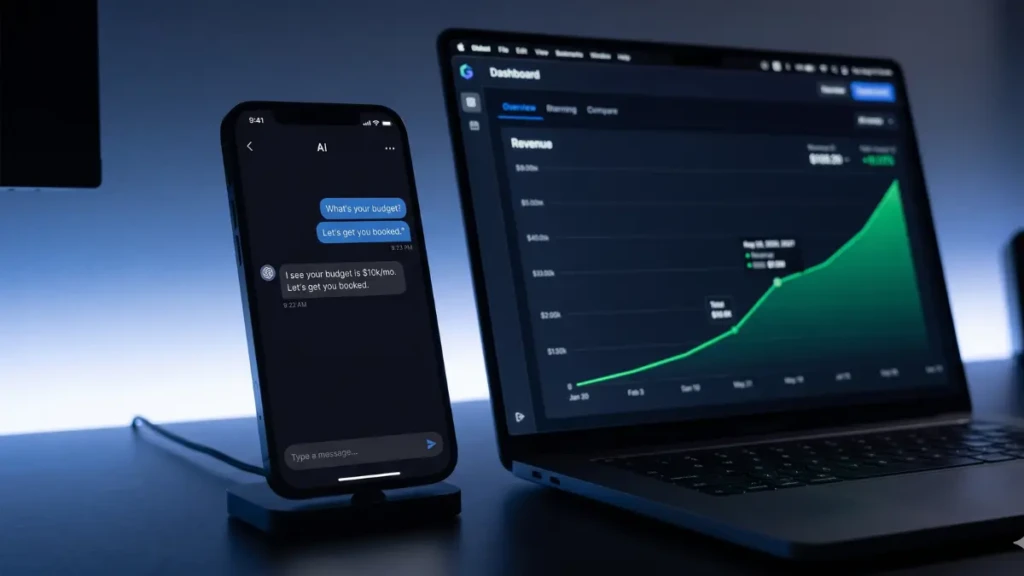
- It then triggers a Slack notification to your Senior Account Executive: “New Qualified Lead Booked. Budget: $10k/mo. Timeline: Immediate. View Transcript Here.”
Your sales rep now walks into the Zoom call with a complete dossier on the client.
5. Step 4: Website Chatbot Optimization
A great chatbot is useless if nobody interacts with it. Website chatbot optimization is about behavioral triggers.
Do not just leave a passive bubble in the bottom right corner of your site.
- Pricing Page Trigger: If a user spends more than 30 seconds on your pricing page, have the bot actively pop open with a custom message: “Looking at enterprise plans? I can calculate a custom ROI estimate for your team. What is your current monthly ad spend?”
- High-Intent Post Trigger: If a user is reading a deep-dive SEO article on your blog, trigger a prompt relevant to that exact article topic to initiate the conversation.
Expert Insight: The “Graceful Exit”
We asked a B2B conversion specialist about the biggest risk of using AI for qualification.
“The worst thing you can do is insult an unqualified prospect. A founder with a $500 budget today might have a $50,000 budget in two years. When you build custom AI sales chatbot workflows, spend heavy time programming the ‘Graceful Exit.’ If the AI determines they lack the budget, it should never just end the chat. It must say something like, ‘Based on your current scale, our custom packages might not be the best ROI for you right now. However, I highly recommend our free masterclass to help you hit that next revenue milestone.’ Provide value, protect the brand, but guard your calendar.”
Frequently Asked Questions (FAQ)
Which platform is best to build an AI sales chatbot in 2026?
For B2B agencies and SaaS companies, Voiceflow and Botpress are currently the industry standards. They offer visual flow builders, native LLM integration (connecting directly to ChatGPT-4o or Claude 3.5), and robust API capabilities for seamless CRM routing.
Will an AI chatbot sound too robotic?
Not if you write a strong system prompt. Modern LLMs can adopt any tone of voice. You can instruct the AI to use professional, direct language, or casual, high-energy startup language. You can even upload your past successful sales transcripts to the AI’s knowledge base so it mimics your exact phrasing.
Can the AI answer complex technical questions about my service?
Yes. Modern chatbot platforms utilize RAG (Retrieval-Augmented Generation). You upload all of your website URLs, PDF whitepapers, and pricing docs into the AI’s “brain.” When a prospect asks a technical question, the AI reads your specific documents to generate a 100% accurate, custom answer in real-time.
Guard Your Time
In the modern B2B economy, your operational bandwidth is the only ceiling on your scale. By deploying conversational AI to c, you eliminate the manual filtering process entirely. Let the machine handle the tire-kickers and extract the data. Your only job is to show up to the calendar invite and close the pre-qualified, high-ticket deal.
Ready to connect your newly built AI agent to your database? Master the technical setup with our guide on the [AI Lead Generation & CRM Automation Tricks for B2B Pipelines (2026)].